
Here’s a brief pulling back of the curtains, looking behind the scenes, of how I make my sound collages.
First of all, I make them all in Adobe Audition. I tried to use Audacity, but it just cannot handle the processing of these collages, and it lacks a playlist feature like Audition has.
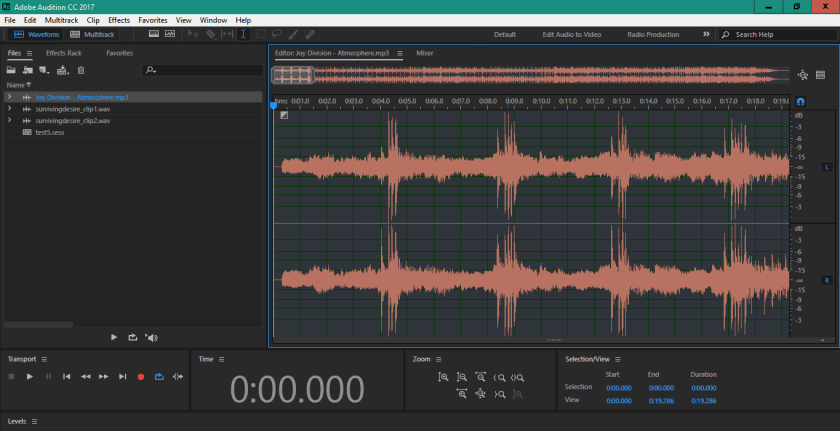
First step is to open a music track to use as a source for loops. For this example, I’m using Joy Division’s “Atmosphere”. I really like the drums at the start, so I’ve zoomed in on that. Just need to highlight to copy/paste to a new sound file.
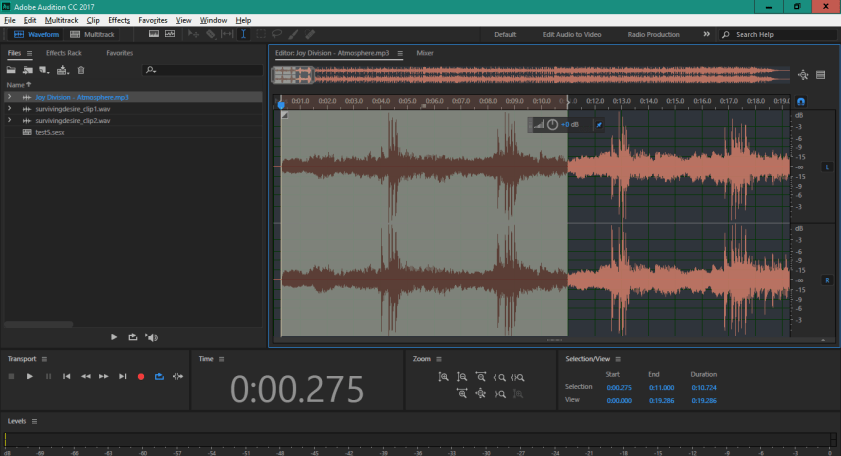

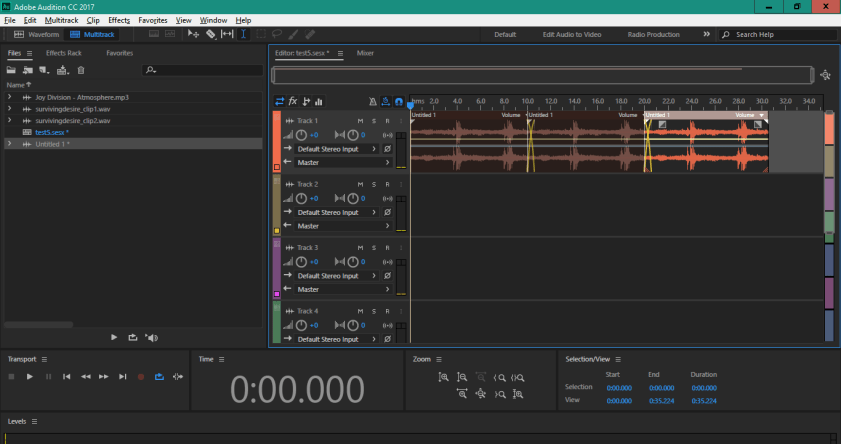
There, now I’ve got a loop segment. Next step is to open a new multitrack session, so I can have a canvas on which to make this new collage.
Once done, I can start dropping stuff into the multitrack session. Here, I’ve put a few instances of that Atmosphere loop. I’ve crossfaded to make it sound a bit better looped and also to try and hide the cut.
Next step is to find a voice sample. This isn’t always the next step, but for this example it is. I’ve got a clip from Hal Hartley’s movie “Surviving Desire”.
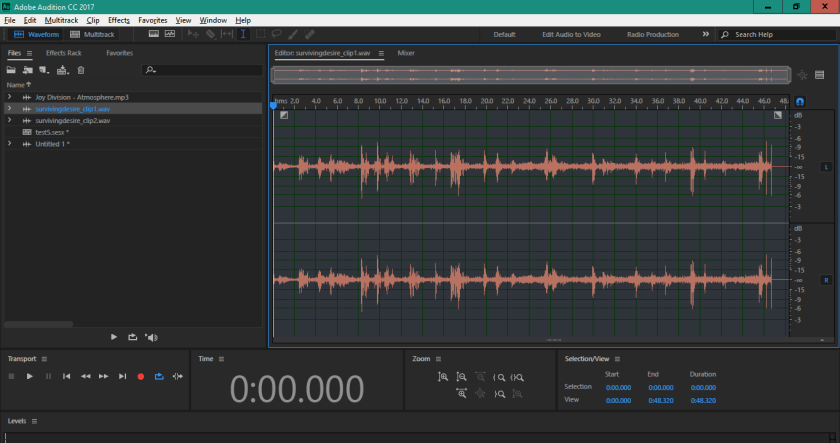
Let’s drop that into its own audio track on the multitrack session. It’s longer than the loops I’ve put in, so I’ve added some more loops to cover the sample. We’ve got the start of a sound collage now.

Next step could be anything. More Atmosphere samples, loops from something else, add stuff, subtract stuff. Go in any direction. That’s the fun of these, the journey. I never know how these will turn out, and it’s never how I intend from the start.
By the way, here’s what I made in this brief example.

 Radio Free Caemlyn